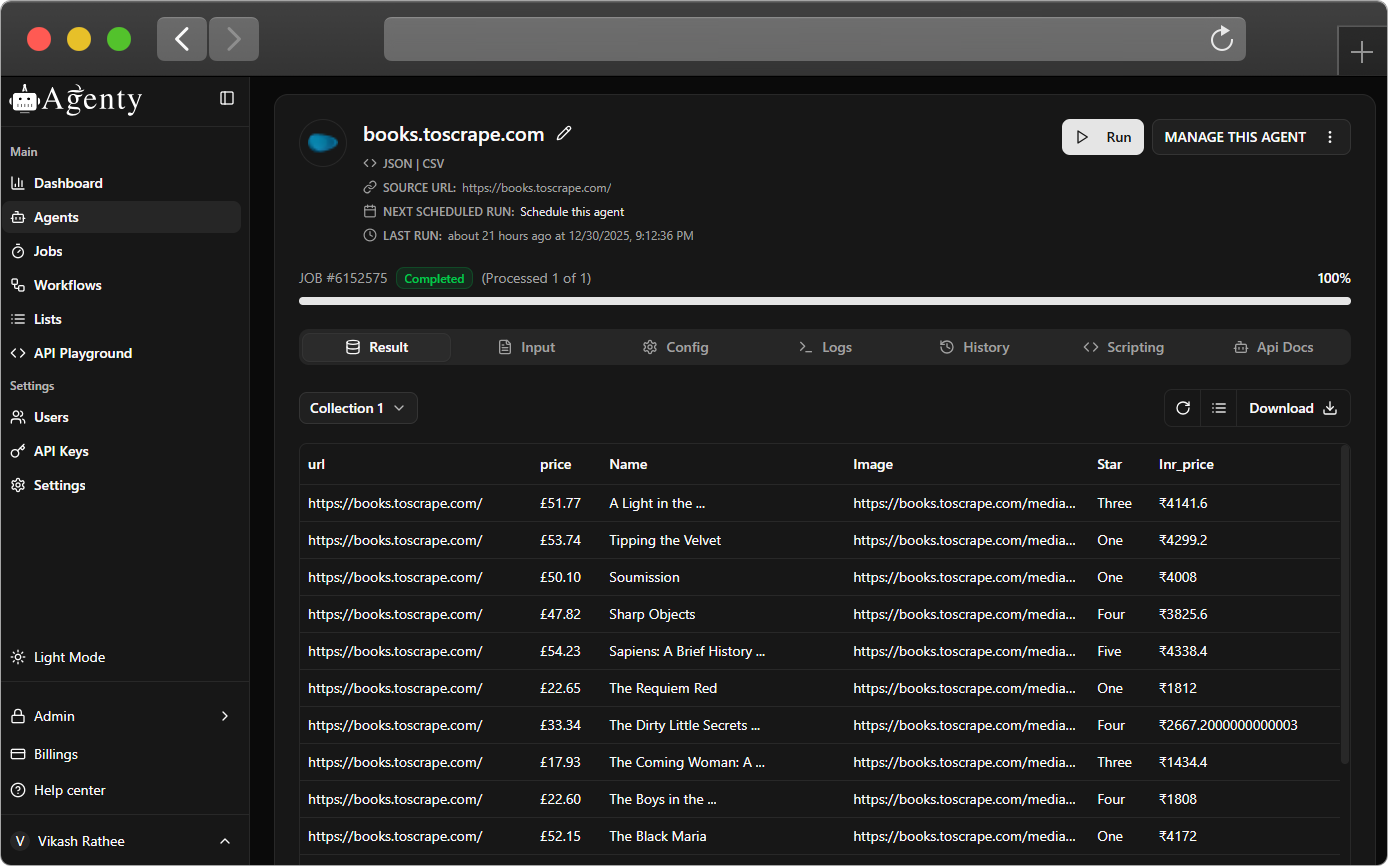



Yes, we do have 100+ web scraping examples to practice and learn web scraping using Agenty scraping agents. Just login to your account and go to Agents > New > Sample tab to access web scraping examples built with a sandbox website to learn.
You can see this page to learn how to build a scraper using our Chrome extension to scrape data from websites or watch our how-to video tutorials here.
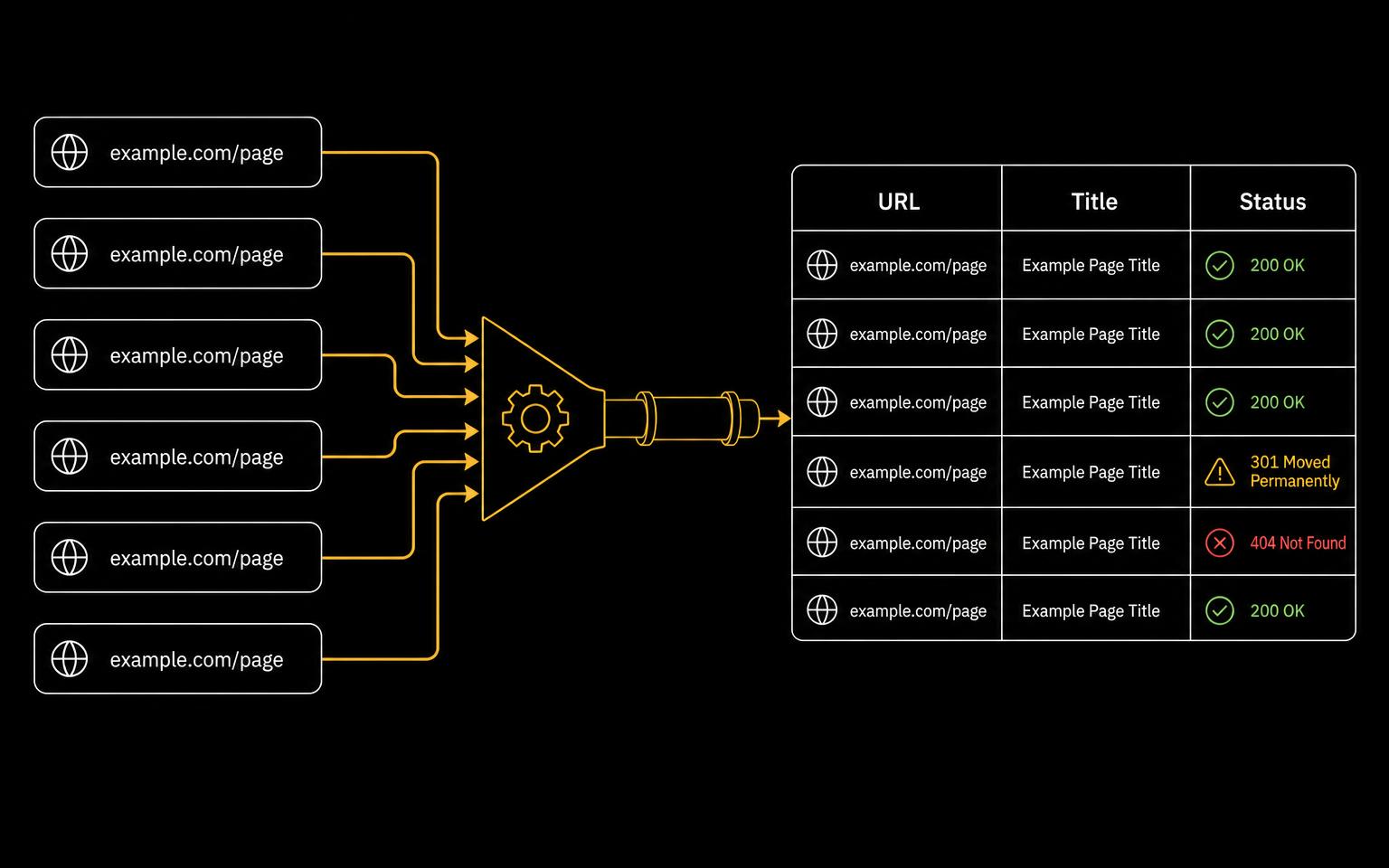
Agenty supports all types of web scraping techniques to extract data from the web. For example, you can use scraping agents to extract data using CSS selectors, REGEX, XPath, JSONPath etc.
Yes, we do offer agents setup where you can order a one-time scraping agent creation or can use managed services to outsource your complete project. Contact sales to request a quote.
Yes, we have 14 days free trial with 100 pages credit to try Agenty to see if it's fit for your requirement.
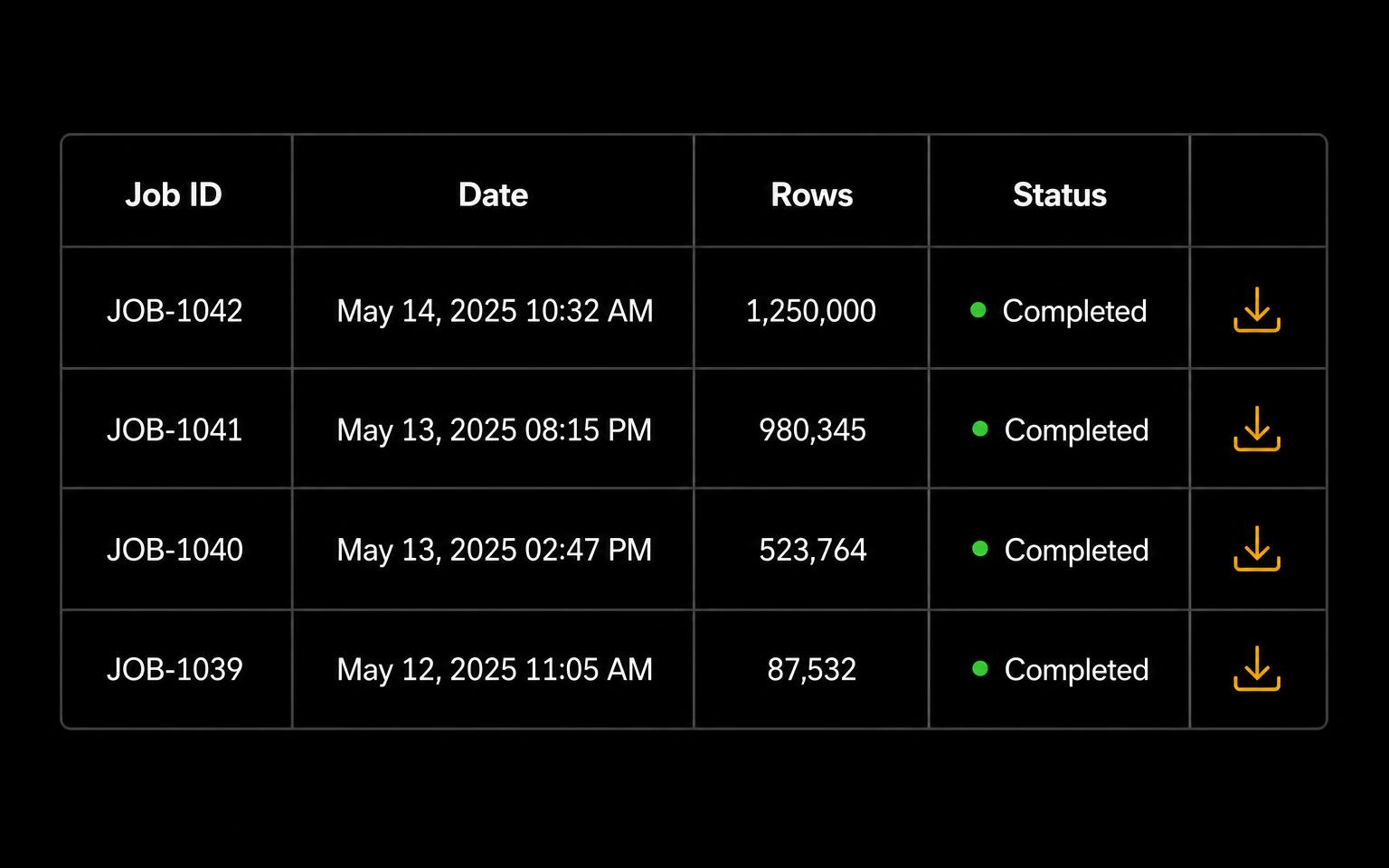
Yes, our API is REST based and you can use it in any programming language like Python, Node.js, PHP, C#, Java etc to start web scraping jobs, add URLs, download results and more.
Yes, JavaScript render option is enabled by default in all scraping agents to wait until the page has been rendered fully. And you can control it in the settings tab to enable-disable the JavaScript as per your need. Additionally, you can increase the wait time or add a selector to watch for elements to scrape SPA and dynamic websites.
Yes, Agenty's scraping agent is a SaaS based application and you can use it online on any operating system. All you need is a browser to access cloud.agenty.com or api.agenty.com to access the data via API.
Yes, our web scraping service is designed for enterprises to outsource their web scraping project to Agenty. See this page to learn more about enterprise-level web scraping service features.